
The production problem
- Pain
Nobody could audit a scene
Scenes linked libraries from three artists and two NAS paths. Answering 'what is this scene linked to?' meant going link by link through the outliner.
- Pain
Broken paths surfaced too late
A moved folder only showed up as pink geometry at render time — usually on the day of the delivery.
- Pain
Overrides grew silently
Local overrides accumulated across passes with no record of who made them or why.
- Result
One panel instead of a ritual
Health, dependency, override and batch operations moved into a single view with undo support.
Workflow before and after
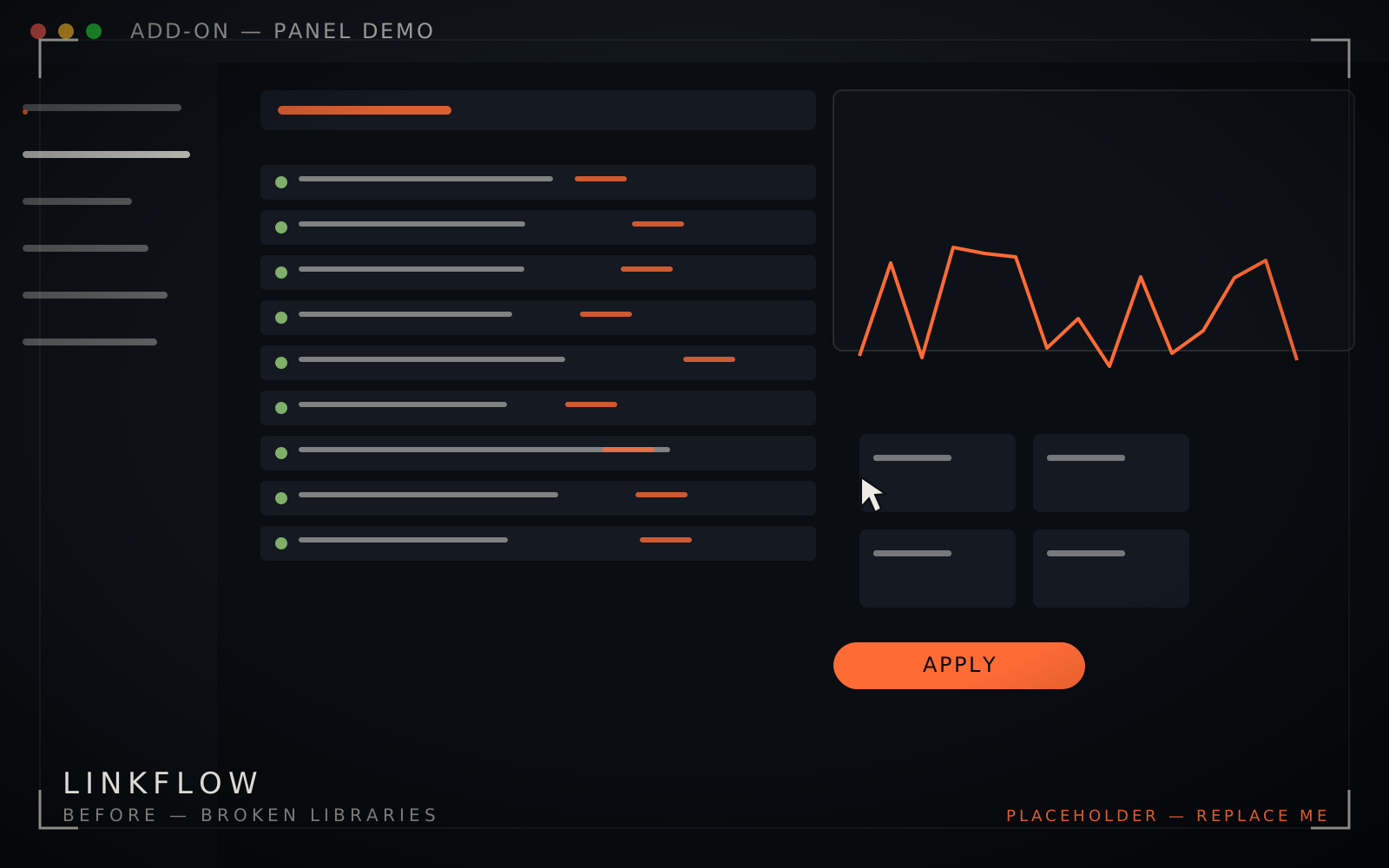
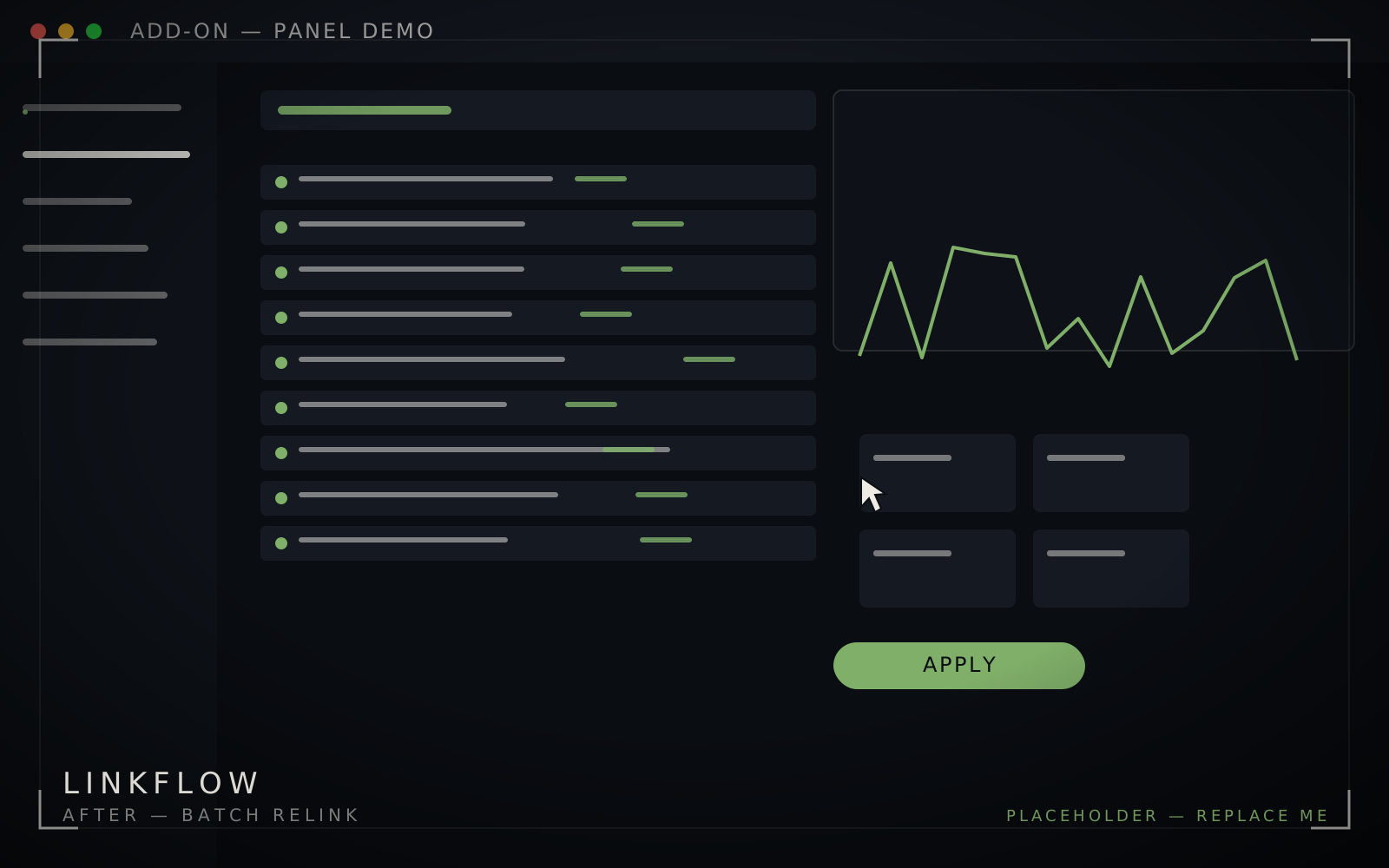 Before — brokenAfter — batch relink
Same scene, four dead paths. Batch relink resolves them from the project root in one pass, with undo.
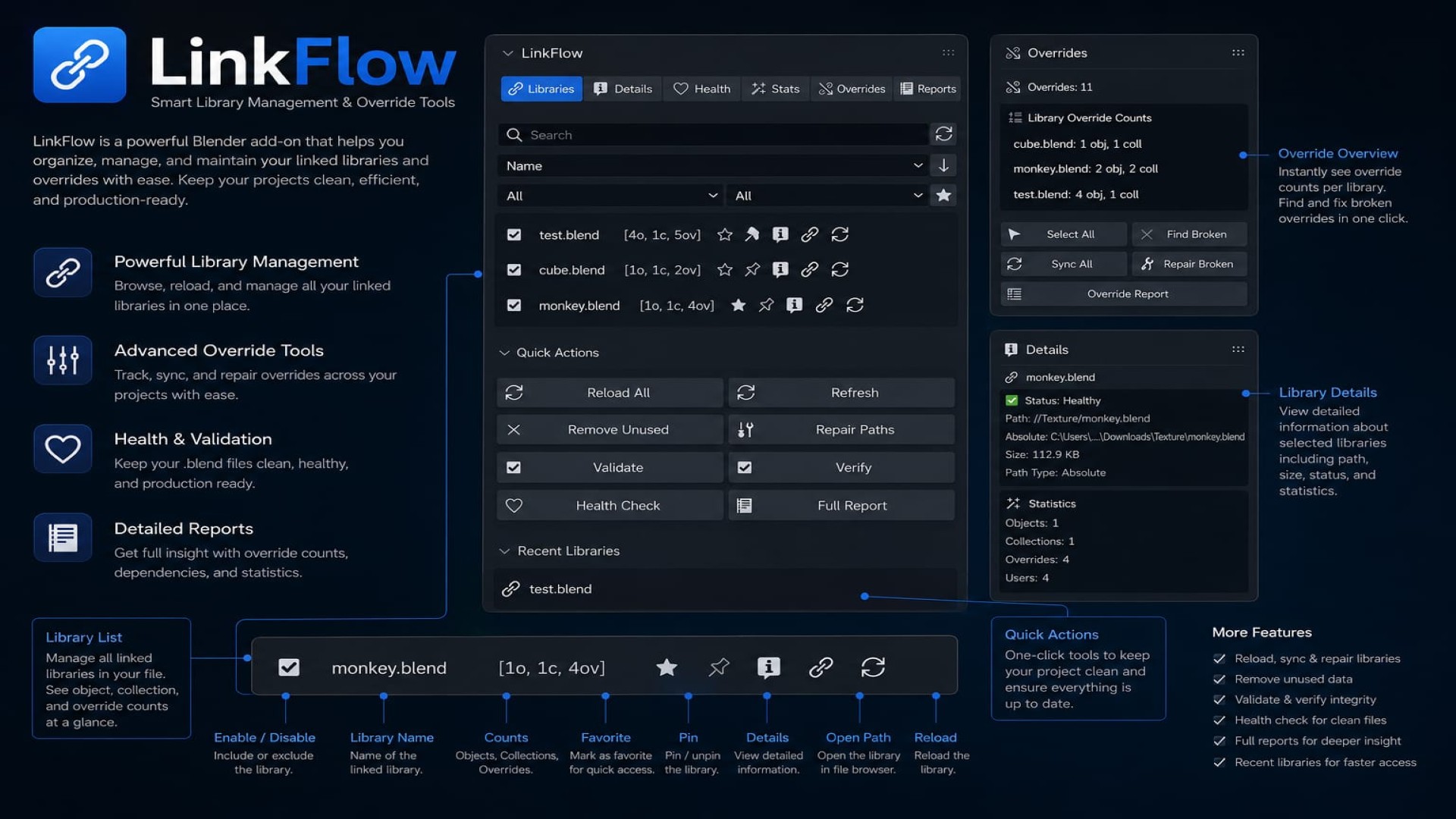
Inside the panel
How it works
LinkFlow reads the dependency graph directly from Blender's data API rather than parsing .blend files, so the panel reflects the live scene — including libraries linked after the file was opened.
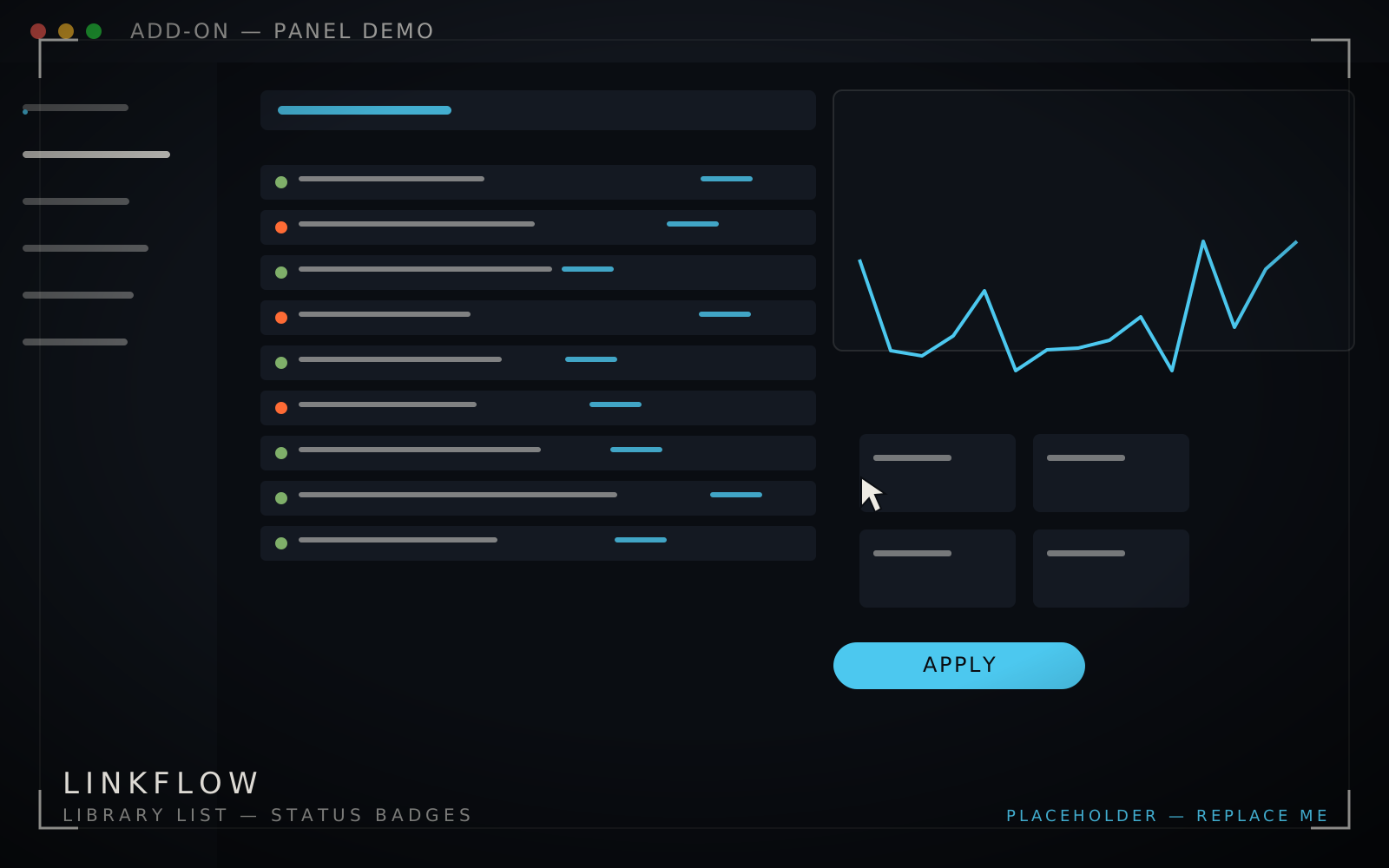
Health checks run as a non-blocking pass: missing paths, stale caches and unexpected override states are flagged with severity, then offered as batch fixes. Every batch operation pushes onto Blender's undo stack, which is the difference between a tool artists trust and one they avoid.
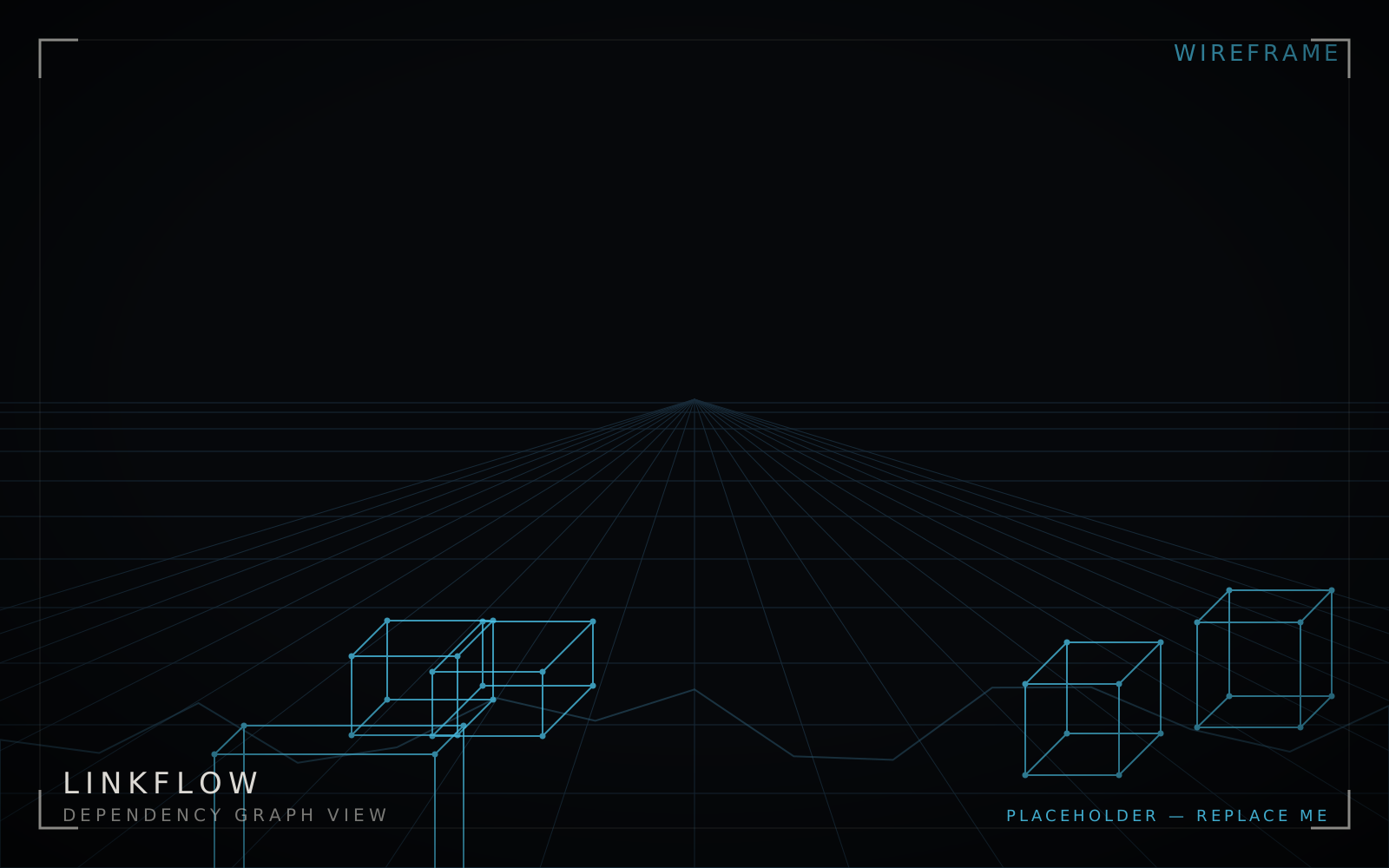
The Pro edition adds dependency graph visualisation, custom views, library groups and CSV export for pipeline reporting; Light covers list, health and batch relink for free.
How the tool helps an artist — a real case
- Case
Season handover, 40 libraries
A scene passed between two artists had 40 linked libraries, four of them pointing at a folder that moved during a server migration.
- Before
Grey-box hunt
Traditional fix: click every object, find the pink ones, guess which library broke, re-link manually, re-check by eye.
- After
Health check → batch relink
Open the panel, run health check, four issues listed with paths, batch relink from the new root. Under a minute, verified by the score going green.
- Underneath
Reversible by design
Everything is undoable, and the dependency view shows which objects would be affected before anything is touched.