
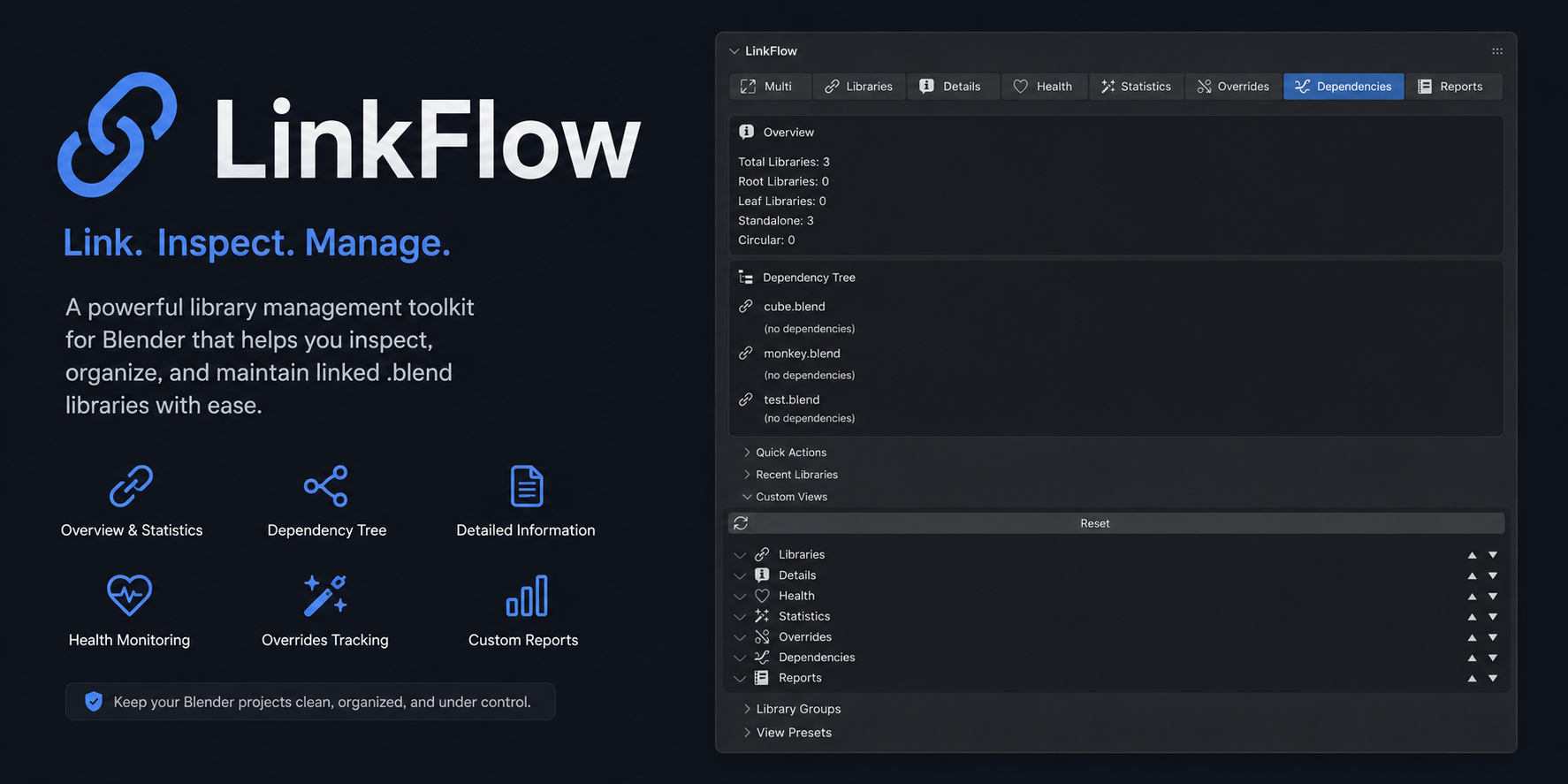
Blender’s built-in linking and appending system works well for simple projects. But once you’re working on a multi-artist production — where Character A is modeled by one person, textured by another, and needs to appear in twelve different shot files — the standard workflow starts to break down. That’s why I built LinkFlow, a live linking system for Blender that keeps assets synchronized across files without manual re-linking.
The Asset Management Problem
In a typical Blender workflow, you link a character asset into your shot file using File → Link. This creates a reference to the source .blend file. When the character artist updates the mesh or textures, you can reload the linked data block to see the changes. In theory, this is a clean workflow. In practice, it’s riddled with friction.
The first problem is path management. LinkFlow stores absolute paths by default, which break when files are moved between servers or when different artists have different mount points. You can switch to relative paths, but then packaging for delivery becomes a nightmare. The second problem is versioning — there’s no built-in mechanism to link to a specific version of an asset while working on a new version in parallel. The third problem, and the one that finally pushed me to build LinkFlow, is that linked data blocks can become stale silently. An asset updates, but Blender doesn’t notify you. Your shot renders with the old version, and you don’t discover the mismatch until the dailies review.
What LinkFlow Does
LinkFlow is a Blender add-on that manages a centralized asset registry. Each asset is tracked by a unique identifier (not a file path), and LinkFlow maintains a database that maps asset IDs to their current file locations, versions, and metadata. When you link an asset through LinkFlow, the add-on stores the asset ID in a custom property on the data block. On scene load, LinkFlow verifies that all linked assets resolve correctly and flags any that have been updated since the last sync.
The live linking feature works through Blender’s dependency graph. LinkFlow registers a persistent handler that watches the asset registry file (a simple JSON database stored alongside your project) for changes. When a linked asset file is modified — say, the character artist pushes new textures — LinkFlow detects the change and offers a one-click reload that updates the data block in your scene without requiring you to manually browse for the file.
Version Control Integration
Each asset in LinkFlow can have multiple versions, and you can pin your shot files to specific versions while still being able to preview what’s in newer ones. This is essential for production work where you might be rendering shots against a locked character model while the character team continues developing the next iteration. LinkFlow’s version resolution follows semantic versioning conventions — major versions can introduce breaking changes to the data structure, minor versions add features, and patch versions are backward-compatible fixes.
I’ve also integrated basic Git support for the asset registry itself. The registry file is a plain JSON document, so it works with any version control system, but LinkFlow can optionally commit and push registry changes automatically when you update asset versions. This gives you a full audit trail of which assets were used in which shots and when they were updated.
Current Status and Roadmap
LinkFlow is currently in alpha testing with a small group of artists. The core functionality — asset registration, linking, version management, and live sync — is stable. The features I’m still developing include: automatic thumbnail generation for the asset browser panel, a dependency graph visualization showing which assets are referenced by which shot files, and USD export support so linked assets can be exported with their reference chains intact.
I’m planning to release LinkFlow as an open-source add-on once the API stabilizes. If you’re working on a production that could benefit from testing it, I’d love to hear from you. The ideal test case is a multi-artist project with at least a dozen assets and a handful of shot files — that’s where the friction reduction really becomes apparent.